How to link a card to Alipay: instructions and troubleshooting
How to link a card to Alipay: what to check with your bank, how to add and verify your card in the app, confirm it is linked and check your first purchase.

Quick answer
To link a card to Alipay, check its compatibility with your bank, open Me, then Bank Cards, and follow the app's prompts. Then check that the card appears in your account. Before your first purchase, separately check the available payment method, amount, and recipient: adding a card does not guarantee that every payment will go through.
Key Points
- Card
- Check the terms for your specific card product with your bank.
- Setup
- Complete the steps requested by the app.
- Purchase
- Check the payment method and transaction result.
Which cards can you link to Alipay, and what should you check with your bank?
Check your specific card, rather than just its country of issue or the logo on the front. Shanghai's official guide states that the ability to add a card depends on the card network and issuing bank. This material cannot be used to compile a universal list of eligible banks.
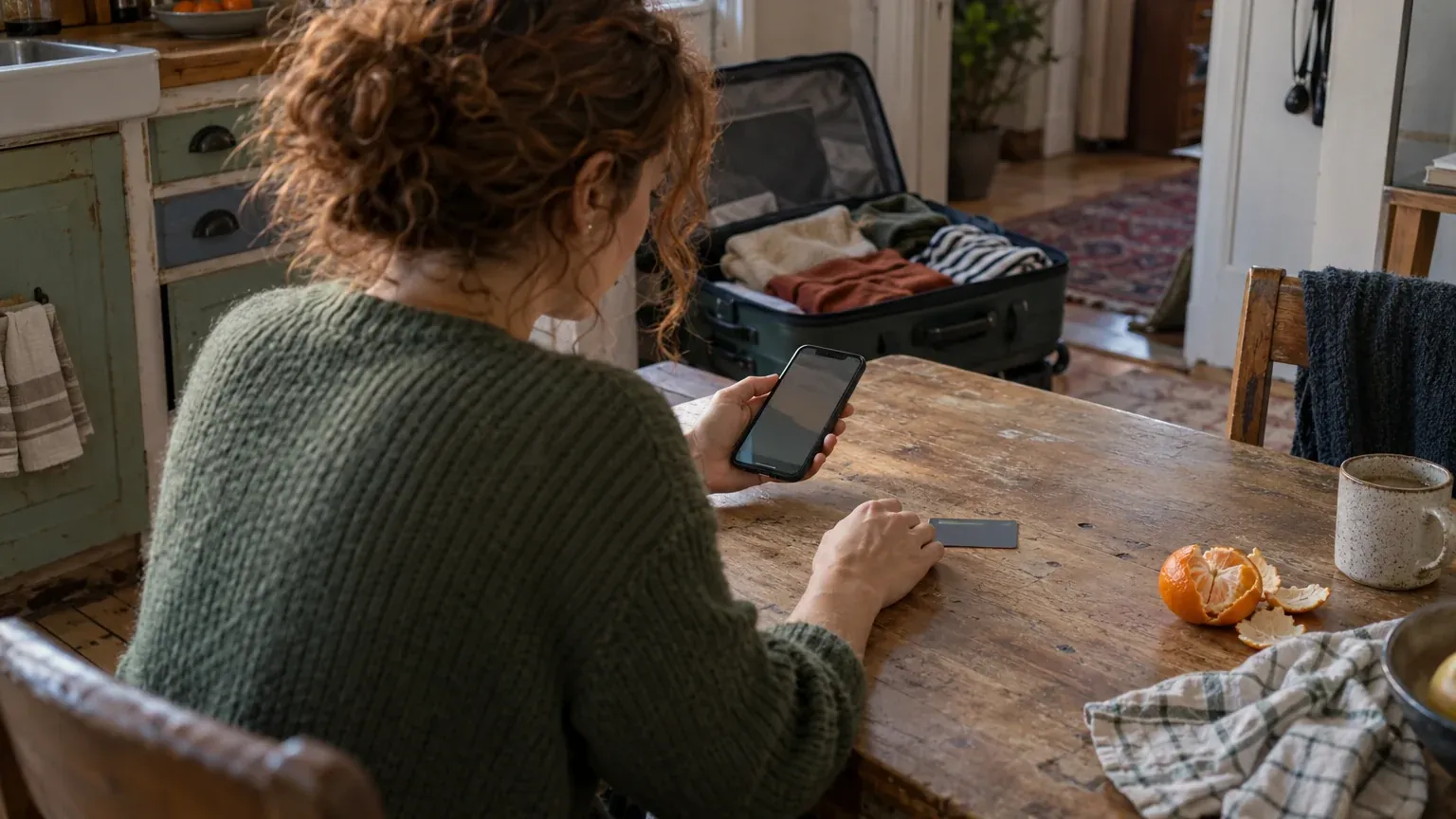
Before contacting your bank, find the card product name, country of issue, and card type. The terms for virtual and debit cards need to be checked just as they do for other products. Being able to pay on foreign websites does not establish whether you can use the card through Alipay.
Who issued your card?
Identify the issuing bank, country of issue, and product name. Give these details to support so you receive an answer about your specific card.
Which card network does your card use?
Check the network name in your banking app or on the card. Do not assume that the terms for another card with a similar logo apply to yours.
Which transactions does your bank allow?
Ask about paying through Alipay in mainland China, the verification method, and the costs of purchases in yuan.
If you have a card issued by a Russian bank, including a Mir card, request a separate answer about its compatibility. The official materials cited do not confirm support for this type of product. A foreign card also needs to be checked: its place of issue alone is not enough.
You can phrase your question to the bank as follows: "Does my card support purchases through Alipay in mainland China? What terms, restrictions, and verification methods apply to my card product?"
What should you prepare before adding a card?
Before opening the app for the first time, have your phone number ready and check that you can receive messages. The official guide allows registration with a foreign phone number before arriving in China. Check the number in Alipay and the number registered with your bank separately: messages may relate to different stages.

Use the English interface to follow this guide: the official material confirms that it is available. Check your version's settings to see whether Russian is available. Do not rely solely on where icons appear on someone else's screen.
Keep your international passport handy in case the app requests identity verification. Follow the current screen to determine which details are required and how verification works. If you need to photograph your document or face, choose good lighting and make sure the image is clear.
Email is not confirmed here as a universally required field. If this field appears, read the explanation next to it to find out why the address is needed and whether you can continue without it.
Before traveling, check that you can access your phone and your bank's verification channel. If you plan to change your SIM card, ask your mobile operator and bank in advance how to retain access to messages and your banking app.
How do you add a card to Alipay step by step?
The process has two stages: first, open the cards section and enter the requested details, then complete verification. The names of subsequent screens may depend on your app version. If your screen is different, follow its explanations and do not use fields from instructions for another service.
Where do you open the cards section, and which details should you enter?
-
How do you find the cards section?
Open Me - the profile section, then Bank Cards - the bank cards section. This path is given in the official guide. Next, select the option available on your screen to add a card.
-
What should you check the fields against?
Enter only what the app requests. Check the card number and expiration date against your bank's records. Alipay's agreement allows these details, your name, and other information to be checked with the issuer, but does not specify a single screen for all cards.
-
How do you check the cardholder's name?
If your first and last name are required in Latin characters, use the cardholder details held by your bank. If the screen concerns an identity document, follow that screen's requirements and check against the document. If the spellings differ, ask support how to proceed.
Enter your card details within the app. Do not send the security code in a message together with a photograph of the card. Full card details are not needed for a compatibility question: start with the bank and product name.
If you are still deciding which card to link to Alipay, first check the terms for your card product. Use the setup instructions once you have received an answer about the payment method you need.
How do you verify the card and check that it has been added?
Complete the request from Alipay or your bank on the current screen. The Quick Payment Service Agreement provides for different setup methods and checks of your details with the issuer. A single verification process therefore cannot be promised to all cardholders.
A verification code relates to a specific request. A payment password and fingerprint are other verification methods; use them only when prompted and when the relevant setting is available. They do not automatically replace the action required by your bank.
Complete the request shown by the app or your bank, then check the card in your account. Its presence in the list confirms that it has been added, while availability for a specific purchase must be checked separately.
What is the difference between linking a card, paying with it, and topping up your balance?
Start by asking yourself what you want to do now. Adding a bank card, paying for a purchase, and topping up your wallet balance are different tasks. Each has its own result that you can check on the screen.
The table explains the differences between these actions; the availability of each transaction must be checked separately.
| Action | What You Check | What Result You See |
|---|---|---|
| Add a card | Whether the app has accepted the details and all requested steps have been completed | The card you added appears in your account |
| Pay for a purchase | Whether the funding source is available and the purchase details are correct | The app shows the payment result |
| Top up your balance | Whether a separate method of topping up the wallet is available and what its terms are | The balance has changed after the completed transaction |
A card payment does not need to be described as a top-up beforehand: the agreement describes a charge to the card in favor of the recipient. Adding a card does not, in itself, confirm that you can transfer money to your balance.
If you need to top up Alipay without a card, check the terms for that specific transaction. Do not treat a successful card link as confirmation that a wallet top-up method is available.
How do you pay for your first purchase and check the costs?
From the home screen, choose the appropriate option: either you scan the merchant's QR code or the cashier scans your payment code. Both methods are described in the official guide. Check the specific funding source in the available payment details: do not assume that the last card you added is automatically selected.

-
How do you start a payment at a merchant?
If you are scanning the code yourself, open Scan, point the camera at the QR code, and enter the amount if the app requests it. If the cashier is scanning your code, open your payment code after confirming the purchase amount.
-
What should you check before confirming?
Check the recipient, the amount in yuan, and the funding source. If you do not understand the payment purpose or recipient's name, ask the cashier. Before showing your code, check the available payment method settings.
-
Where can you see the result?
Follow the app's prompt and open the transaction details. Compare the Alipay result with your bank's notification or record. If they differ, first clarify the payment status, then decide whether to pay again.
The cost of a payment may include a platform fee and bank charges. The official material on payments with foreign cards, checked on October 29, 2026, states that purchases of up to and including 200 CNY are generally exempt from the platform fee; amounts above 200 CNY may incur a 3% fee on the full amount. Check the applicable fee and exemptions on the payment screen.
Currency conversion and any issuer fees depend on your card's terms. Ask your bank how it calculates a purchase in CNY and where it shows the total cost. Alipay's fee does not replace your bank's charges.
The same source specifies limits of up to 5,000 US dollars per transaction and up to 50,000 US dollars per year for foreign cards linked to Alipay or Weixin Pay. Check your account's terms in the app and your card's restrictions with your bank.
What should you do if your card cannot be added or a purchase fails?
First, identify the stage where you got stuck. A document request, a message after entering your card details, and a bank response during a purchase require different actions. A generic decline message does not, by itself, reveal the reason.
Is the app asking for identity details?
What you see: the screen asks you to enter details or complete document verification.
What to check: which section the request relates to, which fields are required, and whether the details match your document.
Next step: follow the on-screen instructions. If the requirement is unclear, send its exact wording to Alipay support.
Has the card failed to appear after you tried to add it?
What you see: the app displays a message during the card setup stage or returns you to the form.
What to check: the details you entered, the expiration date, and the issuer's response about the product's compatibility.
Next step: ask Alipay what the message means and your bank whether this way of using the card is permitted.
Are you unable to complete bank verification?
What you see: the screen is waiting for a code or an action involving your bank, but the step remains incomplete.
What to check: who is sending the request, where the confirmation should arrive, and whether you can access the relevant channel.
Next step: contact your bank and describe the stage you have reached. If Alipay is sending the request, ask about it through the app's support.
Has the card been added, but your purchase will not go through?
What you see: the card is in your account but is unavailable for the purchase, or the payment has not been completed.
What to check: the selected funding source, the amount, the message wording, and the transaction details held by your bank.
Next step: clarify the purchase status with the relevant support team. Do not infer the cause solely from the fact that the card was linked successfully.
Prepare the following for support: the stage you reached, the exact message wording, the time with its time zone, and the transaction type - whether you were adding a card or paying for a purchase. If there is a payment record, provide its identifier through the designated support channel.
Hide full card details in any screenshot. Do not include passwords or one-time codes in your description of the issue. Details of the bank, product, and sequence of actions will help distinguish an app request from the issuer's decision.
What should you check in a cafe purchase example?
Practice scenario: you have already added your card and arrived at a cafe. The card appears in your account, but you have not made your first purchase yet. The cashier asks you to scan the cafe's code. You open Scan and look at the information the app displays.
The card is displayed
You find the card you need in your account.
The payment method is available
You check whether you can select the card for this purchase.
The purchase details have been checked
You check the recipient, amount, and displayed fee.
Verification is complete
You complete the request from the app or your bank.
The result has been checked
You open the transaction record and compare it with your bank's information.
If the card you need is available, check the recipient and amount against your order. Do not treat the name on the QR code as sufficient confirmation: use the details of the payment that opens. If the app asks you to enter the amount manually, check it with the cashier before confirming.
If no funding source is available, return to checking your card's terms. Do not choose a different transaction yourself, such as a transfer, in place of a purchase payment. Ask the cashier about the payment arrangement and send the message to support.
If a verification request appears, follow the instructions for that specific request. Once you have finished, check the result, rather than just a notification about an action involving your card. A successful cafe purchase confirms that transaction; the ability to top up your balance or pay for another service must be checked separately.
What should you check before traveling and making your first payment?
Have you checked your card's terms?
You have an answer about your specific card product and purchases through Alipay.
Will you retain access to your phone?
Your phone number and your bank's verification channel are accessible during your trip.
Have you prepared the requested details?
You can check them against your document and bank records.
Does the card appear in the app?
You have checked that the card was added to your account.
Do you understand how to make your first payment?
You know how to check the amount, funding source, and result.
Have you planned an alternative payment method?
You have checked its terms and how to use it in advance.
If you do not have a suitable method, you can ask ATM24 about an available option and its terms.
Questions and answers
Can you add a card issued by a Russian bank, or a virtual or debit card issued by a foreign bank?
Support must be checked for the specific product: you need answers from Alipay and the issuer about adding the card and making purchases through the app. The official materials cited do not establish compatibility for Russian cards or all virtual and debit cards.
Do you need a Chinese bank account to pay with a foreign card?
Shanghai's official material allows eligible foreign cards to be added without opening an account in mainland China. This applies to supported cards and does not confirm that every transaction is available.
Do you need to complete identity verification before adding a card?
The materials provided do not describe a single sequence for all accounts. Follow the prompt on your screen; if it requires document details, complete that stage according to the app's instructions.
Can you pay with a zero balance and immediately use public transport, delivery, and taxis?
When a purchase can be charged to a linked card, the payment mechanism itself does not imply that you need to top up your balance first. Metro and bus travel, food delivery, train tickets, and taxi bookings each require a separate check of the relevant service's terms.
What should you do if the verification code does not arrive?
Check the screen to see who is sending the code and which number or channel it should arrive through. Check your access to that channel, then contact the sender's support team: your bank or Alipay.
How can you find out the fee and exchange rate before a purchase?
Look for the applicable platform fee on the payment screen before confirming. Ask the issuer about the conversion process, exchange rate, and additional card charges: the displayed Alipay fee does not cover all of your bank's terms.
Leave a transfer request
We agree the payout method, the rate and the route before payment and reply within 5 minutes in the channel you prefer.