DTV: how to apply for a digital nomad visa for Thailand
How to prepare for a Thai DTV: check where to apply, gather proof of remote work and funds, and submit your application through Thai e-Visa.
Quick answer
To apply for a digital nomad visa for Thailand under the DTV category yourself, first check whether you are eligible to apply through your chosen diplomatic mission, then prepare proof of remote work and funds that meets its requirements. We recommend planning your DTV documents and living expenses separately.
The time limits, financial threshold and base fee are set out in the official DTV information sheet. The document checklist has been supplemented by changes effective from 31 August 2026. The requirements were checked on 22 November 2026.
Where to start preparing
- Where to apply
- Check your eligibility to apply.
- Work
- Provide evidence that you qualify.
- Funds
- Check the financial requirements.
- Living expenses
- Prepare a separate budget.
After these checks, confirm the costs and application procedure, complete the application and check the information before submitting it.
How do you check whether you are eligible to apply through your chosen diplomatic mission?
Before preparing your documents, check whether your chosen diplomatic mission accepts applications from someone with your citizenship and residence status. Choose the country where you will apply before gathering your documents and paying.
You must be outside Thailand when applying. From 31 August 2026, DTV applications require proof of permanent residence; a short visit to the country where you apply does not, by itself, replace this proof. The Moscow instructions apply to residents of Russia, Uzbekistan, Armenia, Belarus and Moldova.
Describe your situation
Citizenship, residence status and current location.
Find the official instructions
Choose the guidance from the relevant diplomatic mission.
Check your eligibility to apply
Compare the requirements with your documents.
Make a document checklist
For Moscow, use the official Applying for a Visa section. If you live in another country, check the local diplomatic mission's jurisdiction and the proof of residence it accepts.
Is the DTV visa suitable for your remote work?
To assess whether DTV is suitable for you, compare your remote work with the official description of the Workcation category. The abbreviation stands for Destination Thailand Visa; the name "digital nomad visa" is also used.
You are an employee
Check the eligibility criteria for employees of foreign employers and the accepted proof of employment.
You are a freelancer
Compare your work with the Workcation category and the requirements for evidence of your projects.
You are travelling for another purpose
Confirm the appropriate basis for your application before preparing documents for the work category.
Workcation is intended for digital nomads, remote workers and freelancers. Eligibility is supported by an employment contract or a letter confirming employment outside Thailand, or by a professional portfolio. If you plan to take up employment in Thailand, check the appropriate work visa category and work permit requirements separately.
This article covers Workcation: applying for DTV for remote work and freelancing.
What documents should employees and freelancers prepare?
For Workcation, prepare your passport, a photograph, proof of professional activity and proof of funds. Proof of permanent residence and a criminal record clearance certificate are also required. Check the exact format and translation requirements against your chosen diplomatic mission's checklist in Thai e-Visa.
How can you prove your employment?
The official DTV checklist provides for an employment contract or a letter confirming employment outside Thailand. The document must establish a connection between you, your employer and your professional activity.
Check the parties to the contract, your position and the nature of your work. If you use a letter from your employer, check that it confirms your employment and meets the requested format.
Check that the spelling of your name, your employer's name and the description of your work are consistent across all materials. Do not use someone else's sample as evidence of your own circumstances.
How can you prove your freelance work without an employment contract?
Show how your projects, clients and role are connected, then compare the materials with the official checklist. Illustrative example: Anna is a designer who works with clients abroad. For one project, she finds the contract, the corresponding certificate of completed work and the work in her portfolio.
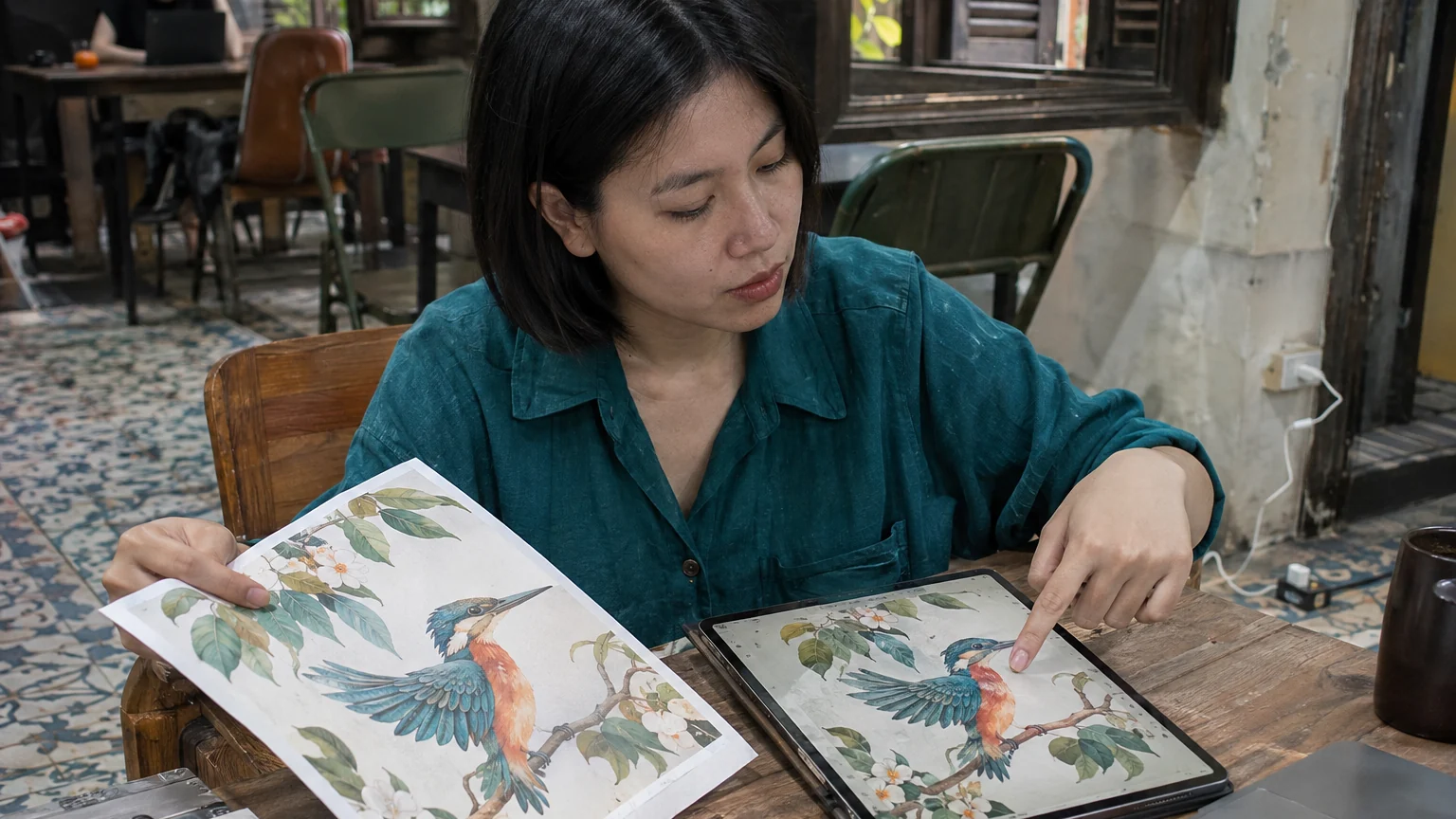
A professional portfolio is explicitly included in the Workcation checklist. In the illustrative example, Anna connects the work to the client and her role; the contract and certificate of completed work support her explanation but do not guarantee approval of the application.
This is a guide for checking your materials, not an approved document checklist.
| Material | What it helps explain | What to check with the diplomatic mission |
|---|---|---|
| Project contract | The relationship with the client | Whether this type of contract is accepted |
| Certificate of completed work | The work completed | Whether it is suitable as evidence |
| Portfolio | Professional activity | How to submit it |
Which general documents should you check against the diplomatic mission's checklist?
The Moscow instructions specify a passport valid for at least six months from the date of arrival. Prepare a photograph, proof of permanent residence and a criminal record clearance certificate. The change to the last two requirements took effect on 31 August 2026.
Check the document names
Separate the documents on the main checklist from materials that may be requested additionally.
Check the details
Compare your name and passport details across the documents.
Prepare the files
Upload legible files in the formats and fields specified in the application form. If a document is not in an accepted language, prepare a translation according to the diplomatic mission's instructions; check any additional certification requirements for that specific document.
How do you check your proof of funds for DTV?
Prepare proof of funds according to your chosen diplomatic mission's requirements, separately from your travel budget. Confirm what information the bank statement must contain and exactly what you need to prove: a balance, incoming payments or account activity.
Account turnover shows money moving through an account, while the balance is the amount in the account at a particular point in time. Incoming payments may include transfers between your own accounts and borrowed funds, so not every credit proves income. Do not substitute one for another. If the checklist uses the term bank statements, check the document's contents, not just its name.
What to confirm before requesting a statement
- Amount
- What amount do you need to prove?
- Account holder
- Whose name must the account be in?
- Period
- What period must the statement cover?
- Date
- When must the document have been issued?
- Currency
- How are baht and other currencies treated?
- Format
- What information and account details are required?
The base DTV financial threshold is at least 500 000 THB or the equivalent. This is proof of funds, not a consular fee. Use the diplomatic mission's current checklist to determine the statement period and currency conversion method. Confirm whether you can combine several accounts or use a sponsorship letter before applying.
To check the contents of your application package, save the official notice of changes to DTV supporting documents. It does not replace checking the full checklist for your circumstances.
How do you apply for a DTV visa through Thai e-Visa?
Apply through Thai e-Visa from outside Thailand. Create an account using your own email address, select the diplomatic mission and Workcation, enter your details, upload your documents and submit the form.
Check your access
Check that you can log in to your account and that you have selected the correct diplomatic mission and purpose of travel.
Complete the application
Enter your details, attach the files and check the form against your passport.
Check submission and payment
Confirm the local procedure and save the confirmations.
Check messages and the outcome
Monitor requests for further information. Once you receive the document, check your name, passport number and visa details.
Payment and application processing in Moscow
In Moscow, after submitting the form, obtain a confirmation containing payment details and a QR code. Pay the fee in US dollar cash at the embassy, either in person or through a representative, within 14 days of receiving the confirmation. Online payment is not yet available. The embassy does not accept banknotes issued before 2009 or banknotes that are damaged or written on.
According to the instructions dated 19 November 2026, allow 14 working days after the embassy receives the fee, provided all documents are complete. Requests for additional information may extend this period. Paying an intermediary for their services does not mean the embassy has already received the fee.
What costs should you budget for before applying and entering Thailand for the first time?
Divide your budget into documents, the application, travel and living expenses, and account for proof of funds separately. This will show you which funds you need to complete the steps along the way and which demonstrate your financial means.
Documents
Obtain certificates and have them translated and certified if necessary.
Application
Pay the consular fee according to the local procedure.
Travel
Allow for tickets and travel to wherever you need to complete the required steps.
Living expenses
Prepare funds for accommodation and everyday expenses.
The basic DTV framework specifies a fee of 10 000 THB. When applying in Moscow, pay the amount in USD shown in the embassy's payment confirmation instead of converting it yourself at the current exchange rate. The fee is non-refundable. Budget separately for translations, certification, travel and accommodation; these costs depend on your application package.
If you need currency exchange in Thailand, treat it as a separate everyday task. Choose the amount and currency to suit your local expenses, keeping your visa budget calculation separate.
How do you distinguish DTV validity from the permitted length of stay?
Check the visa's validity and your permitted stay separately: a valid DTV does not mean you can live in Thailand continuously until it expires. For your trip, compare your visa document with the entry conditions and permitted length of stay.
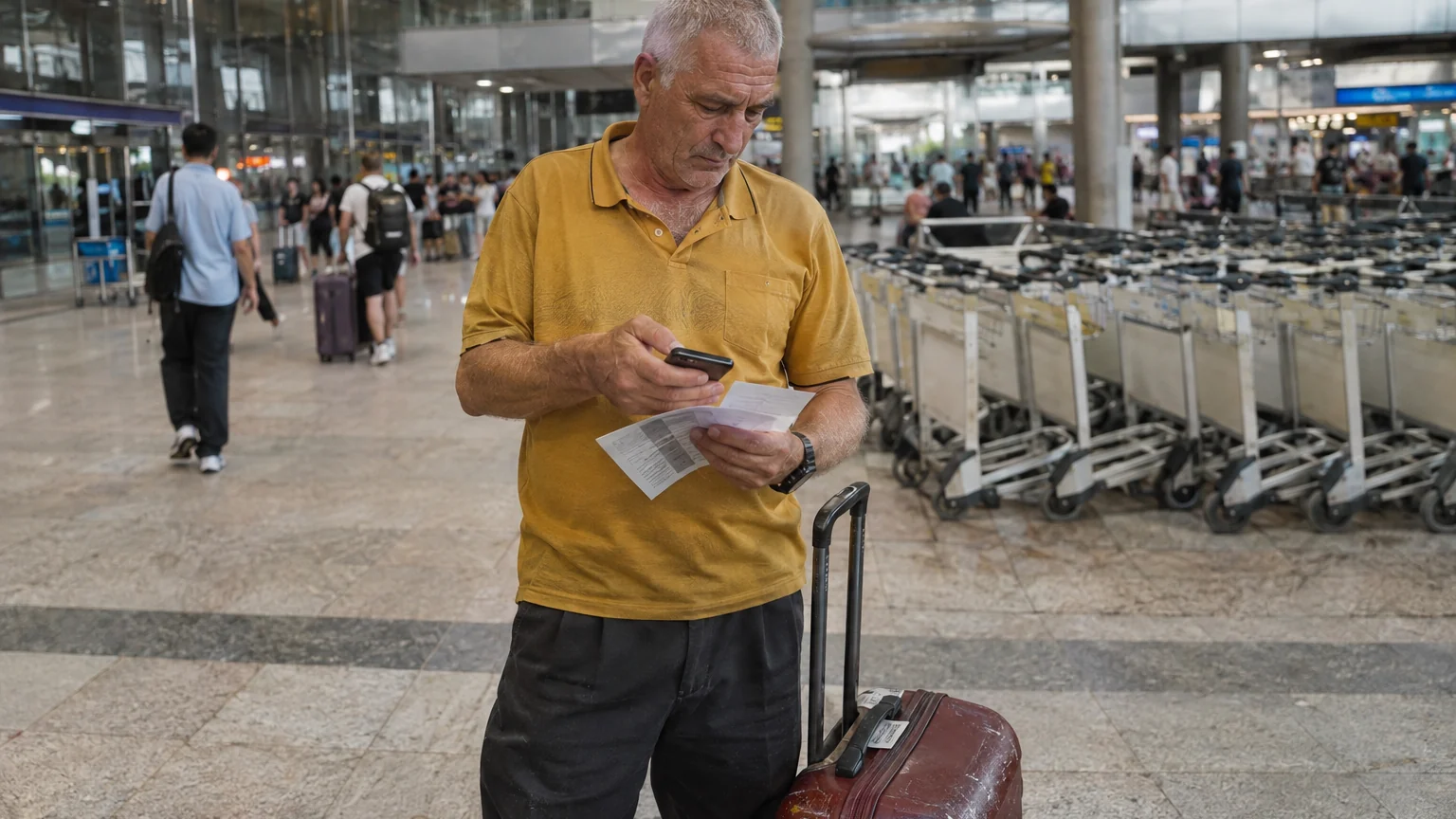
DTV is valid for five years and allows multiple entries. Each entry permits a stay of up to 180 days; you can apply for a single extension of up to another 180 days. After the maximum period, you must leave, and you can enter again while the visa remains valid. An extension requires an application to the immigration authorities.
Illustrative example: check the visa's expiry date and the end date of your current permitted stay as two separate dates.
| Anna's stage | What she checks | Why |
|---|---|---|
| She has received her visa | Its validity and entry conditions | To check how the document fits her planned trip |
| She has entered Thailand | The end date of her permitted stay | To determine how long her current trip can last |
| She is planning her next trip | Re-entry conditions | To check whether she can return using this visa |
Anna plans her departure around the end date of her permitted stay. Before a long stay, also check address reporting obligations and the extension procedure with the immigration authorities.
How do you check that you are ready to submit your application?
Before submitting, check the form and your complete application package against the requirements of your chosen diplomatic mission. Use a checklist tailored to your circumstances.
Check your eligibility
Your eligibility to apply, category and employment documents are confirmed.
Compare the documents
Your proof of funds meets the checklist requirements; personal details match, and files are prepared in the required format.
Check your plan
The payment procedure, budget and travel conditions are confirmed.
Tick off each item after checking it against the official instructions. The checklist helps you prepare your application but does not confirm the future visa decision.
Questions and answers
Can you apply for DTV if you are already in Thailand?
No. The official Thai e-Visa system allows applications from outside Thailand. Extending your permitted stay within the country is a separate procedure.
Is being in the country of your chosen embassy enough?
No, a short visit does not, by itself, establish eligibility to apply. From 31 August 2026, DTV requires proof of permanent residence. Check the document and the diplomatic mission's jurisdiction before submitting.
How can freelancers prove their work without an employment contract?
The Workcation checklist provides for a professional portfolio showing your freelance activity. Connect the work to your role; contracts and certificates of completed work can provide additional explanation if the diplomatic mission accepts them.
Can you prove funds using statements from several accounts?
Do not automatically add account balances together. The base threshold is 500 000 THB, but whether multiple statements, currencies and account holders are accepted depends on the requirements of the office where you apply. Obtain confirmation of the accepted format before uploading documents.
When does the application processing period begin?
In Moscow, the guideline is 14 working days after the embassy receives the visa fee, provided all documents are complete. Submitting the form and paying an intermediary do not start this period; an incomplete application package may take longer to process.
Leave a transfer request
We agree the payout method, the rate and the route before payment and reply within 5 minutes in the channel you prefer.